My intro
My rules
Help
Incognito
No media yet
Settings
Language
Language
Interface scale
Interface scale
Voice input
Voice input
Show the microphone button in the message field — dictate prompts by voice.
Show prices
Show prices
Show the approximate cost of the request below the message field before sending.
Voice reading
Voice reading
Main language, voice and speed for reading replies aloud. Each reply is read in the language it is written in.
Nickname
Nickname
Activating a nickname lets you interact with other users inside the project: chat, share AI models, and tag friends in AI chats. Nickname requirements: at least 4 characters; only Latin letters, digits and underscore are allowed.
Chat personification
Chat personification
When chat personification is on, AI replies come from a chat assistant you can name, give an avatar, and even set a mood for — so answers always match your vibe.
Digital Brain
Digital Brain
Enabling "Digital Brain" weaves your accumulated personal data into how AI models generate replies. The module runs on your individual "Memory Tree" — a structured knowledge graph whose visualization and settings live in your profile.
Image generation analysis
Image generation analysis
The "Image generation analysis" feature lets users who want it feed the context of their image requests into their personal "Memory Tree". It is unnecessary for standard usage and is recommended only for those whose main workflow centers on generating visual content. Note: the extra semantic analysis slightly increases the cost of each image request.
Light model
Light model
A lightweight, optimized language model analyzes your dialogue sessions — semantically filtering and summarizing context to identify relevant metadata (facts, chronology, key topics, people, events). Verified entities are exported to the “Memory Tree” to keep your personal knowledge graph up to date.
Priority model
Priority model
The priority model is the default language model assigned to generate replies. It streamlines your workflow by removing the need to pick your usual AI assistant for every new request and preventing unintended models from being launched.
Memory tree
Memory tree
Project profile
Project profile
Memory tree optimization
Memory tree optimization
Digital Brain optimization
Digital Brain optimization
AI settings
AI settings
Project Cache
Project Cache
| chat database — other (approx.) | — |
|---|---|
| data folder (excl. database) | — |
| sound files | — |
Clearing the project cache permanently deletes your entire history of interaction with the MF0.ai platform, including dialogue logs and active chats. This action is irreversible — deleted sessions cannot be restored. We strongly recommend exporting your data to your device before confirming deletion.
Clear multimedia cache
Are you sure you want to delete the entire application multimedia cache?
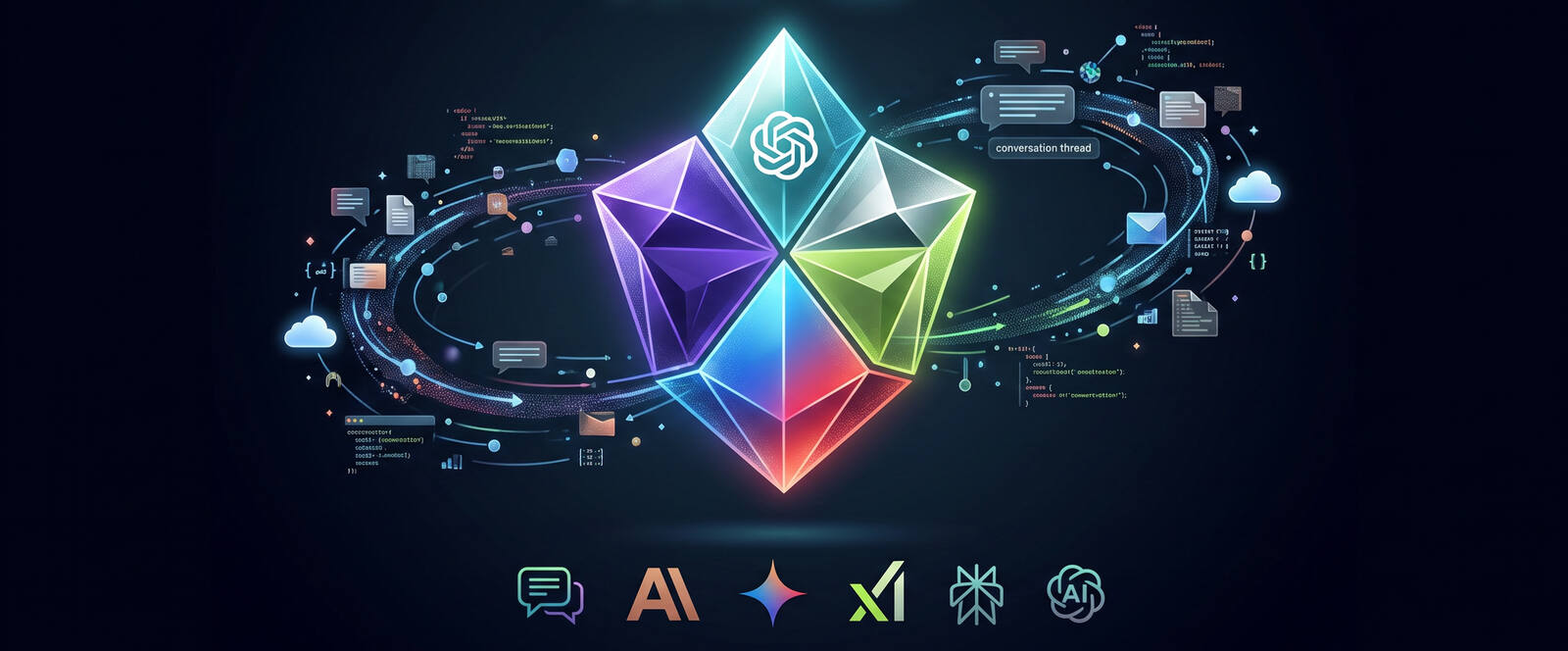
Feel free to ask me anything — write code, generate an image, or tackle many other tasks. You can also choose any AI provider or ask all language models at once.
This section is designed to help the Project better understand you. Here you can share any information about yourself that you consider important. The data you provide will be structured and compiled into the core of the memory tree, as the Project prioritizes your personality above all else. Everything else will merely reinforce this knowledge. The more the Project knows, the more accurate the interaction will be.
In this section, you set how assistants in the Project should behave. After each exchange, the app looks at each of your messages in turn and decides what should be kept as saved conduct: general expectations, personal boundaries, things that must not be done, and step-by-step habits (pure thanks or “ok” alone usually add nothing). The assistant should keep replies short — clarify only what is unclear, briefly reflect what it understood, and confirm in plain language that it will follow your rules — not deliver long policy essays in chat.
This section is for product help with MF0-1984: how the app works, where settings and data live, and how to use features safely on your machine. You can ask using any connected model (pick the provider badge below); answers are based on the bundled project handoff plus this scope note — not on your theme threads or Memory tree.
Messages are not saved and do not appear in Themes or Memory tree. Analytics and billing work as normal. The session is cleared when you leave.
Upload an image, describe the motion, select the duration — and get a video clip
Describe the video in text, pick the duration and aspect ratio — and get a video clip
Fusion mode: all connected models study the topic in parallel, results are cross-checked for accuracy, then synthesised into a long-form article. The process runs in the background — it cannot be stopped once started. Cost: $0.70–$1.00 per run.
Send plain text or a file in DOCX or PDF format — it will be read aloud in the chosen voice. Cost: $0.052 per 1,000 characters.
Ultra mode: your task is split into independent subtasks, each researched in parallel by a different model, then synthesised into one comprehensive answer. Best for broad, multi-part questions. The process runs in the background — it cannot be stopped once started. Cost: ~$0.50–$1.50 per run.
Programming mode. Write and review code with Gemini, ChatGPT, Claude and Grok, plus dedicated coding models — NVIDIA Nemotron and Kimi K. Any code block in a reply can be downloaded as a ready-to-use file in one click.
Chat with friends right inside the platform. All conversations are protected with end-to-end encryption and are never stored in plain text anywhere.
Intro is locked
Use the lock on the Intro button to enter your PIN.
Rules is locked
Use the lock on the Rules button to enter your PIN.
AI models can make mistakes. Verify important information.